 Hyper liquid
Hyper liquid users should compare order, fill, balance and destination records before retrying or stopping.
Hyper liquid actions can look incomplete when a screen lags, an order remains open or a transfer is still moving between HyperCore and HyperEVM. Compare the order status with fill history, balance changes and destination records before acting. Wait while a valid action remains live, adjust an invalid input, reconcile any financial effect and stop when another submission could duplicate the first.
· updated
One record rarely answers every part of the task. Submission confirms an instruction was sent, while execution and destination evidence show what it changed. The combined records determine the next move.
Key takeaway: Compare live order, fill, balance and destination records before waiting, correcting an input or sending a replacement.
Match Each Action to Its Evidence
The records needed depend on the action already submitted. A trade needs an order status and any associated fills. A transfer needs its ledger entry, source balance and destination balance. A withdrawal also needs its route and destination record. A successful action response can establish acceptance, but it doesn’t establish complete execution when later states still exist.
Time sensitivity changes the response. A live order calls for waiting, cancellation or modification. A terminal rejection calls for a corrected input only after account records show no execution. A request with no visible response remains unknown until the relevant account and identifier have been checked. Order IDs connect status to fills, while transaction or ledger hashes connect transfer records. Timestamps establish sequence rather than completion.
Display Lag and Stream Gaps
A delayed interface can hide a completed change or leave an old state on screen. The user data feeds separate order updates, fills and non-funding ledger events such as deposits, withdrawals, transfers and liquidations. A reconnect may also deliver a snapshot before new streaming messages. Consumers must distinguish that snapshot from later events and remove duplicates by stable identifiers. After a gap, reload open orders and reconcile the fill snapshot before relying on live events again.
Account identity matters just as much as message timing. Queries for a master account or subaccount must use that account’s actual address. An agent wallet address can return an empty result even when the trading account has orders and fills. Refreshing the same incorrect query doesn’t resolve the mismatch.
What Does Each Order State Permit?
An order state permits a follow-up only when its meaning and remaining size are clear. Open means the order was placed successfully. Filled means the order completed, while canceled or rejected means no remainder is still live. Earlier fills can still exist for an order whose unfilled portion was later canceled.
Live Orders and Partial Fills
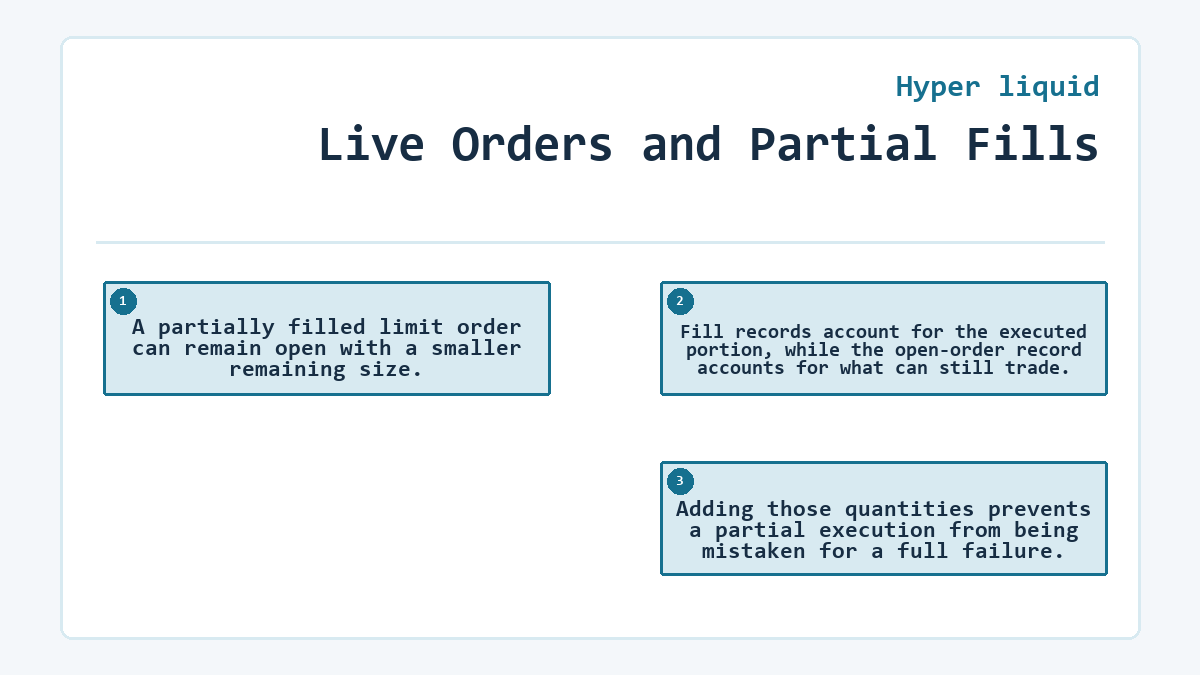
A partially filled limit order can remain open with a smaller remaining size. Fill records account for the executed portion, while the open-order record accounts for what can still trade. Adding those quantities prevents a partial execution from being mistaken for a full failure.
Wait Without Losing Context
Waiting fits an open order whose price, side and remaining size are still intended. Preserve its order ID and compare new fills against that same ID. A changing market price doesn’t erase the live instruction.
Cancel or Modify Before Replacing
Cancellation or modification fits a live order whose terms are no longer wanted. Confirm the cancellation or modification response and then refresh open orders. Sending a separate order first can leave both instructions active and create more exposure than intended.
Terminal and Transitional Outcomes
A filled status ends the order, so a duplicate would be a new trade. Rejected states identify the failed condition and support a corrected attempt after reconciliation. Canceled states end the remainder, not any portion already filled. Triggered status records activation of a trigger condition; execution still needs a fill record.
Time-in-Force Changes the Evidence
Time-in-force determines whether an unmatched remainder stays live. An Immediate or Cancel order cancels any portion it cannot fill immediately instead of leaving that remainder open. A Good Til Cancel order can remain on the book until it fills or is canceled. An incomplete fill therefore has a different meaning under each instruction.
Post Only orders are intended to rest on the book. If one would match immediately, it can be rejected rather than take liquidity. Reduce Only adds another condition: the order must reduce an existing position. These rules turn some apparent failures into expected outcomes of the selected order instruction.
Trigger orders add a separate activation state. Before activation, the order has produced no trade. After activation, the triggered status still doesn’t establish execution; the resulting fill record and position or balance change provide that evidence.
Rejections Require a Changed Input
A rejected order needs the stated condition corrected before another submission. Possible causes include invalid tick size, insufficient margin, insufficient spot balance, a notional below the minimum, an invalid trigger price or a post-only price which would match immediately. Perpetual orders may also fail when position or open-interest constraints prevent the requested increase.
Repeating the same payload doesn’t repair a deterministic validation error. Read the exact rejection, confirm the account state and change only the input connected to that error. A reduce-only rejection can occur after the position has already changed, so the current position must set the next size and side. In a batched request, one pre-validation error may apply to the entire batch rather than produce a separate error for every order.
Fills and Balances Resolve Apparent Contradictions
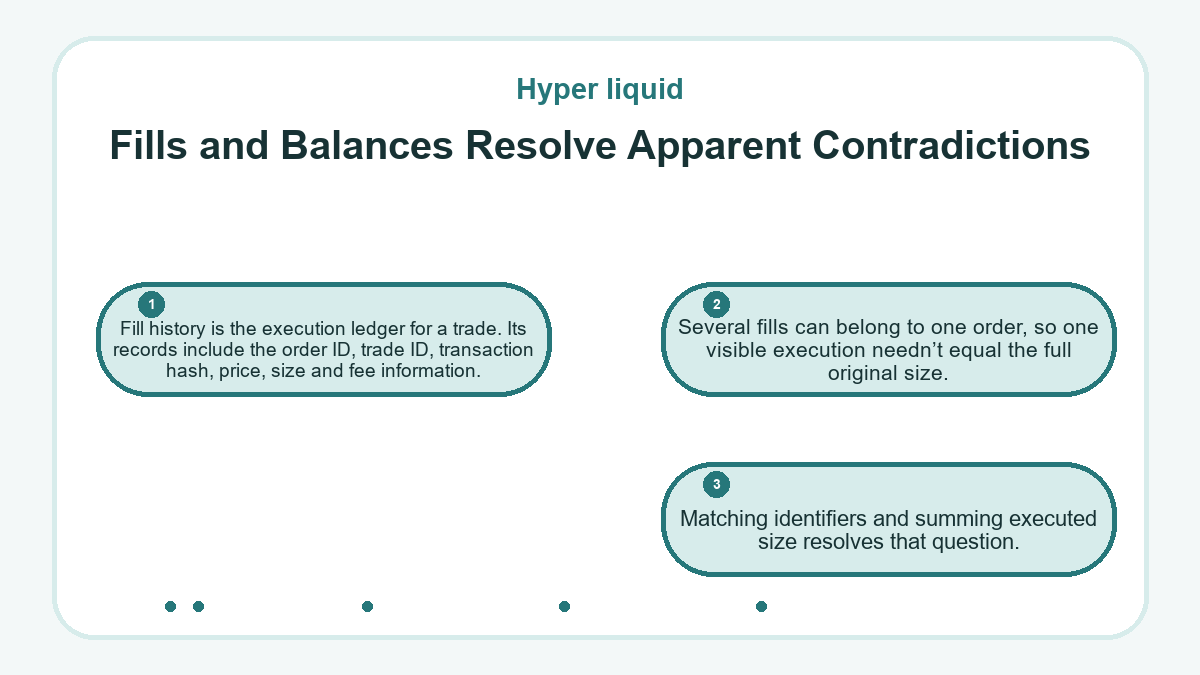
Fill history is the execution ledger for a trade. Its records include the order ID, trade ID, transaction hash, price, size and fee information. Several fills can belong to one order, so one visible execution needn’t equal the full original size. Matching identifiers and summing executed size resolves that question.
Balances then show the financial effect, but a balance delta shouldn’t be used alone to infer a fill. Fees, funding, transfers and other positions can affect available or total balance. Compare the fills with spot holdings or the relevant perpetual position, then account for fees and margin requirements before calling the records inconsistent.
Time-based aggregation can change the number of visible fill rows without changing the executed total. Compare identifiers and sizes rather than counting rows.
Cross-Component Transfers Need Compatibility
HyperCore and HyperEVM expose separate balance states within the same blockchain. For tokens other than HYPE, a spot asset can move between them only after its Core asset and EVM contract have been linked. HYPE instead maps to the native HyperEVM balance. Confirm the relevant link or native balance mapping and the receiving account before treating a transfer as supported.
A HyperCore-to-HyperEVM transfer waits for the next HyperEVM block before the destination can be credited. The reverse direction is processed after the HyperEVM block in the same L1 block. Transfers from HyperEVM also need HYPE for gas, so a destination balance without gas can block a later return even though the incoming transfer completed.
For linked ERC-20 tokens, a link alone doesn’t validate the contract’s behavior or supply. Confirm the intended contract and balance representation before treating equal labels on the two components as interchangeable.
Missing compatibility is a stop condition. More waiting can’t create an asset link or correct a wrong destination.
Expected and Observed Transfer States
Consider a transfer of a linked spot asset from HyperCore to HyperEVM. Readiness means the asset has the required Core-to-EVM mapping, the HyperCore source has enough HYPE for gas and the account making the transfer is the intended HyperEVM recipient. The commitment point is one signed transfer. The expected records are one source transfer, a corresponding source debit and a destination credit after the applicable block transition.
Decision Checklist
- Confirm the selected Core asset has the intended EVM link.
- Confirm the HyperCore account making the transfer is the intended HyperEVM recipient.
- Keep enough HYPE in the HyperCore spot balance to pay the transfer gas.
- Record the single submitted transfer and its identifier.
- Inspect the destination component and token balance.
If the observed state shows a source record and debit but no destination credit, don’t submit another transfer yet. Recheck the link, the sending account and the destination balance after the next HyperEVM block. Stop when compatibility is absent. If the original record is rejected and neither balance changed, correct that stated condition before making a fresh commitment.
Withdrawal States Extend Beyond the Source Debit
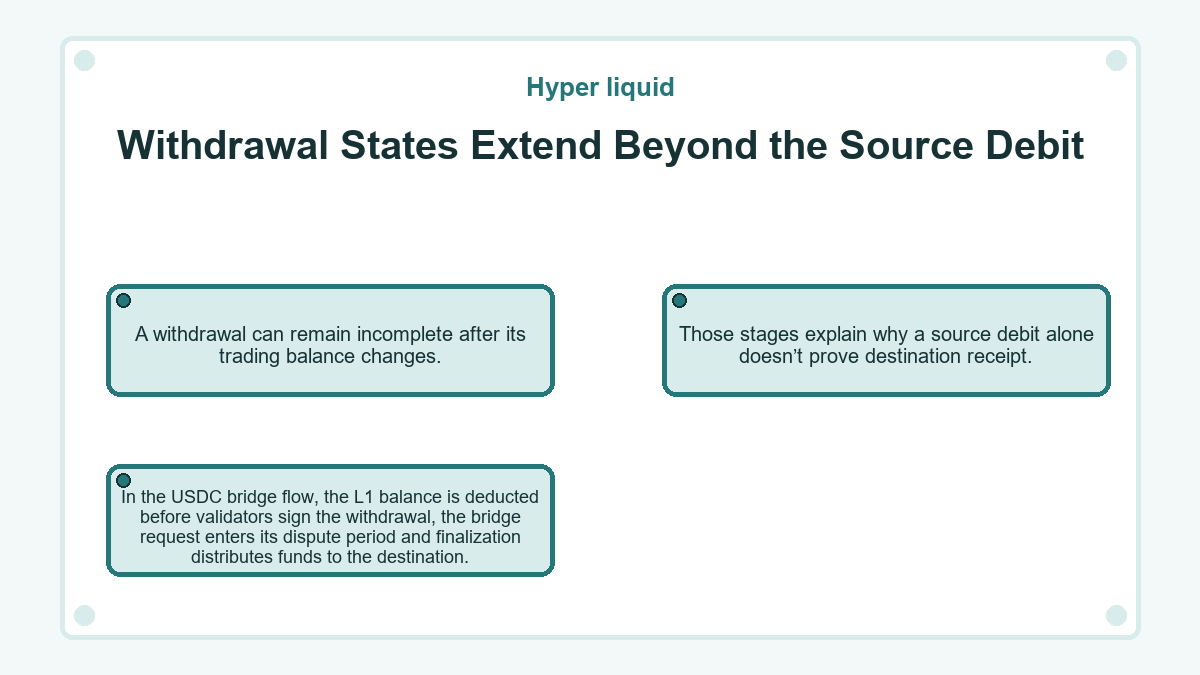
A withdrawal can remain incomplete after its trading balance changes. In the USDC bridge flow, the L1 balance is deducted before validators sign the withdrawal, the bridge request enters its dispute period and finalization distributes funds to the destination. Those stages explain why a source debit alone doesn’t prove destination receipt.
The activity record also separates Send from Withdrawal. Send moves funds to another account on the same blockchain, while Withdrawal uses an external route. If the status is Pending, wait through the displayed estimate and check again. If it’s Completed, verify the destination. A Failed status ends that attempt and requires investigation before another submission.
A completed status should match the address in the destination record. A same-chain Send to an exchange address remains different from a cross-chain withdrawal even when the source balance decreased.
Stop Conditions Preserve the Known State
Further submissions should stop while an original order remains open, an unaccounted partial fill exists, a withdrawal remains pending or a destination credit already matches the intended transfer. Stop as well when the queried account, asset link or destination address is uncertain. Keep the identifiers, timestamps and observed balances intact. Resume only when a terminal rejection or failure is matched with records showing that instruction produced no fill or transfer. If only the display is stale, a duplicate action can’t repair it.
Reconciliation Ends With Matching Records
Reconciliation is complete when status and financial records tell the same story. For an order accepted by the book, the original size must equal filled size plus any canceled or still-open remainder. For a transfer, the source record, source debit and destination credit must describe one instruction. For a withdrawal, its final status must agree with the destination record.
When records disagree, preserve the existing identifiers and investigate the first unmatched transition. Changing several inputs or resubmitting at once makes the original discrepancy harder to resolve.
A matched record set is stronger evidence than a refreshed screen or a repeated instruction.
Hyper liquid - common questions
When Is an Unknown Order ID Safe to Resubmit?
An unknown order ID isn’t enough evidence to resubmit. First confirm the query uses the actual master or subaccount address rather than an agent wallet, then inspect open orders, fills and the relevant balance or position. A mistyped identifier or wrong address can hide a real order. Consider another submission only after a terminal failure is established and no live order, fill or financial effect appears.
Why Can a Canceled Order Still Show Fills?
A canceled order can show fills because cancellation applies to its remaining open size. The order may have matched partly before the cancellation reached the book. Reconcile the original size as the filled portion plus the canceled remainder, using the same order ID. A replacement based on the full original size could duplicate the portion which already traded.
Does a reduce-only Rejection Confirm the Position Stayed Unchanged?
A reduce-only rejection confirms the rejected order didn’t execute, but it doesn’t freeze the surrounding account. Other live orders, fills or a liquidation may have changed the position before or after that rejection. Read the current position and open orders before setting a new side or size. Repeating the old quantity can fail again or conflict with the position now recorded.
Where Should Subaccount Orders Be Queried?
Subaccount orders should be queried with the subaccount’s actual address. A master address doesn’t automatically substitute for that address, and an agent wallet address can return an empty result despite real activity. Use the same account address when comparing open orders, historical status and fills. This keeps a genuine account mismatch from being mistaken for a missing order.
Do WebSocket Snapshots Recover Every Missing Update?
WebSocket snapshots don’t replace a full reconciliation after a connection gap. The user fills stream marks its initial snapshot separately from later streaming updates, which helps restore fill context. Order status, open orders and ledger state still need their corresponding queries. Deduplicate recovered events by stable order, trade or transaction identifiers instead of assuming every newly received row represents a new action.
Why Can Available Balance Stay Lower After a Closing Fill?
Available balance can remain lower because a closing fill is only one input to the account calculation. Under cross margin, other positions with negative unrealized profit and loss may continue using shared collateral. Fees and remaining margin requirements can also affect the amount available for another order or transfer. Compare the closing fill with the current positions, total balance and available balance before reporting a shortfall.
What Does “Action Already Expired” Mean for a Retry?
The message means the action wasn’t accepted by the L1 within 15 seconds while transaction delay protection was active. Confirm no order or fill appeared before trying again. Disabling that protection changes the risk: a delayed action may arrive after reconnection or congestion clears. Several attempts can then become several orders, so open-order evidence should determine whether another submission is appropriate.